
IP Proxy Server Guide: Secure Browsing Tips for 2025
Digital privacy threats are evolving at a rapid pace, making online safety a top priority in 2025. Every click, search, and connection can expose your personal data to cyber risks lurking in the shadows.
An ip proxy server is one of the smartest tools for protecting your identity and ensuring secure browsing. But how exactly do these servers work, and why are they essential in today's digital landscape?
This guide will break down everything you need to know. Discover what proxy servers are, how they function, the different types for every need, and step-by-step setup instructions. Learn top security practices and expert tips for truly anonymous web use.
Ready to take control of your privacy? Let’s explore how ip proxy servers can keep you safe and anonymous online in 2025.
Understanding IP Proxy Servers: Fundamentals and Functions
Today, understanding the ip proxy server is essential for anyone who values privacy and security online. As digital threats grow, knowing how these servers operate can help you stay one step ahead. But what exactly is an ip proxy server, and why is it so important for secure browsing in 2025?
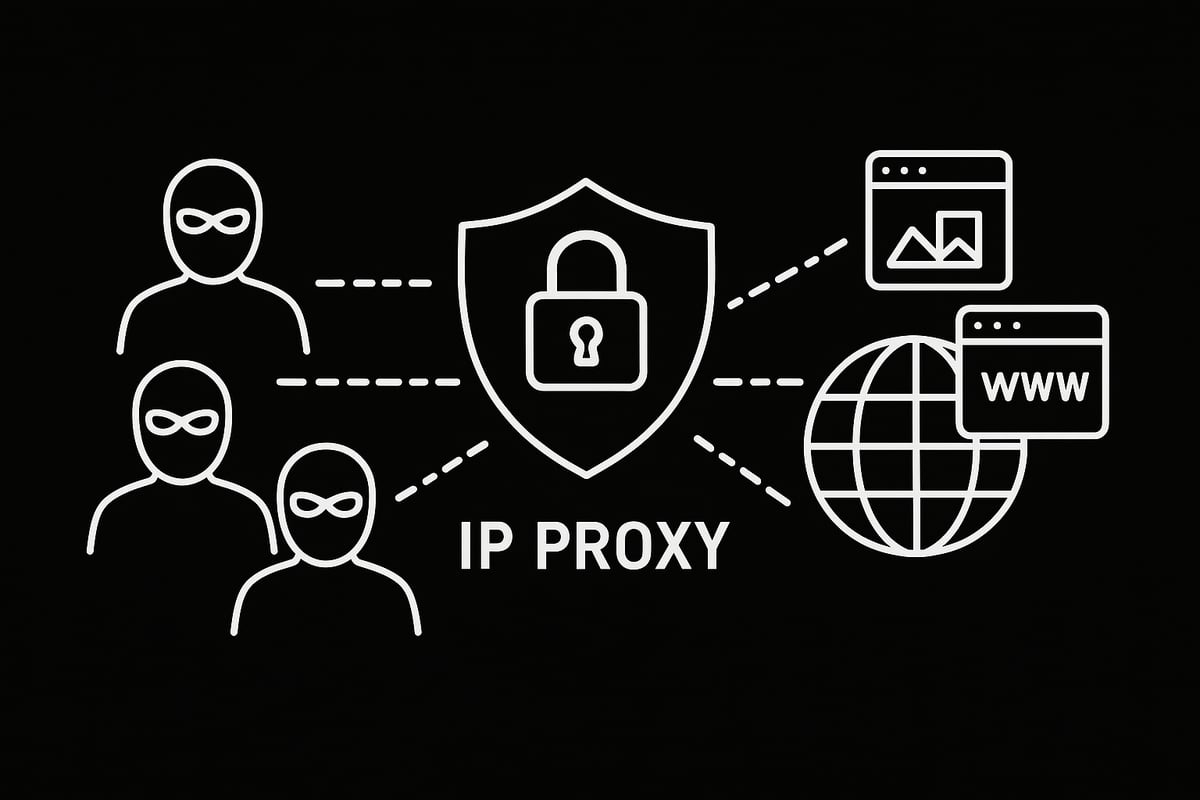
An ip proxy server acts as an intermediary between your device and the internet. When you send a request, the proxy receives it first, then forwards it to the destination site. The response returns through the proxy before reaching you. This process hides your real IP address, replacing it with the server’s IP instead.
This setup has a crucial impact: websites see only the ip proxy server’s address, not your personal one. By rerouting your traffic, the proxy shields your identity and physical location. This makes it much harder for websites, advertisers, or even hackers to track your online movements.
Let’s compare how a direct connection differs from using an ip proxy server:
| Connection Type | IP Address Exposed | Privacy Level | Routing Path |
|---|---|---|---|
| Direct | User’s own | Low | Device → Website |
| Proxy-mediated | Proxy’s | High | Device → Proxy → Website |
Using an ip proxy server opens up a range of practical applications. Many people rely on proxies for privacy protection, allowing them to browse without leaving a digital footprint. Others use proxies to access geo-blocked content, such as streaming services available only in certain countries. In countries with heavy censorship, proxies let users bypass restrictions and reach the open web.
Businesses also benefit from ip proxy server technology. A company might set up proxies to secure remote work connections, ensuring employees can access sensitive resources safely from anywhere. Meanwhile, individuals may use proxies to watch region-locked shows or take advantage of local deals when shopping online.
The demand for ip proxy server solutions is rising fast. According to recent industry reports, adoption rates have surged in 2024 as privacy concerns escalate and more users seek ways to control their digital footprint. This trend reflects a growing awareness of the need for online anonymity in an age of constant data collection.
Despite their popularity, there are still misconceptions about ip proxy server technology. Some confuse proxies with VPNs, thinking they do the same job. While both mask your IP, a VPN encrypts all your internet traffic, offering a different layer of security. For a deeper dive into myths and realities, check out Common proxy myths vs. reality.
In a world where digital surveillance and aggressive data harvesting are the norm, the ip proxy server stands out as a vital tool. By protecting your identity and giving you more control, proxies empower users to browse with confidence, no matter what 2025 brings.
Setting Up and Configuring Proxy Servers for Secure Browsing
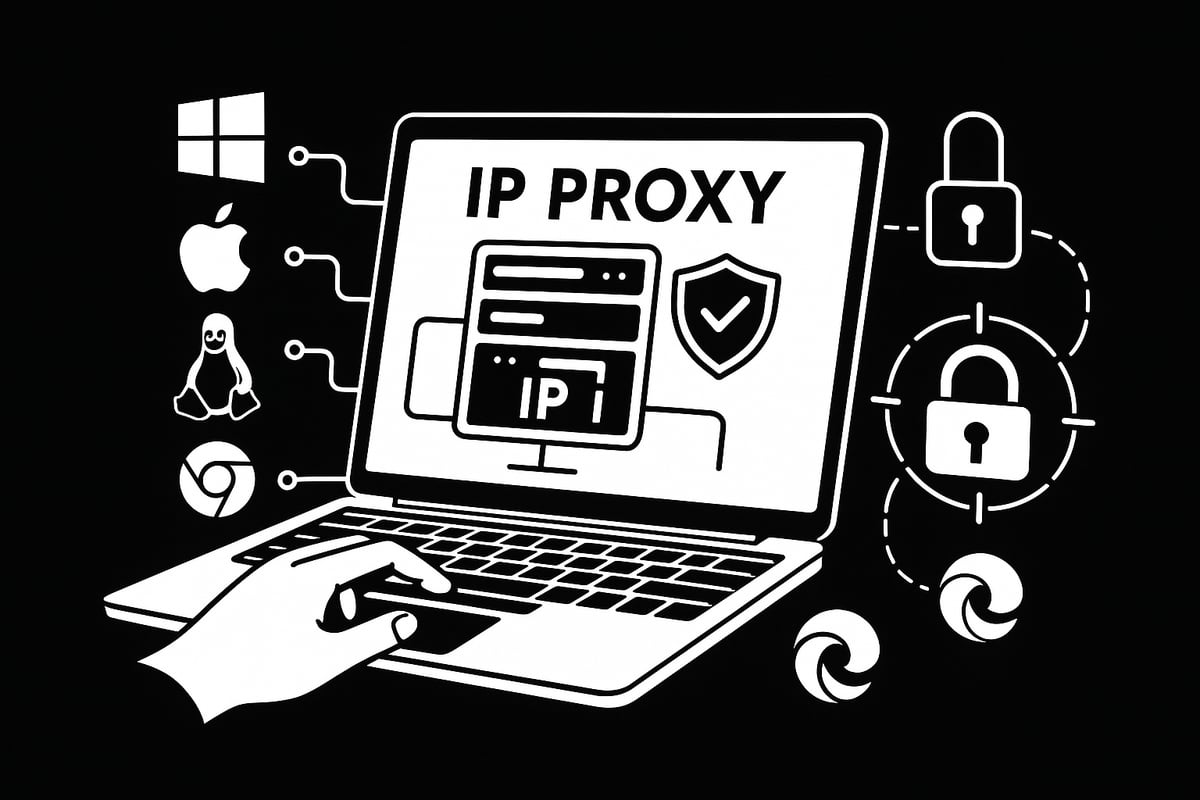
Setting up an ip proxy server is the first step toward achieving secure browsing and protecting your digital footprint. Whether you want to shield your identity, access region-locked content, or simply add a privacy layer, configuring your proxy correctly makes all the difference.
Getting Started with Proxy Setup
Before diving into specific operating systems, it’s important to know what you need for an ip proxy server setup. Gather your proxy server address, port number, and authentication credentials from your provider. Decide if you’ll use a manual setup or an automatic configuration file.
A well-prepared setup ensures your ip proxy server delivers the privacy and access you expect.
Configuring Proxy Settings on Your Operating System
Each operating system has its own steps for configuring an ip proxy server. Here’s a quick guide:
Windows 10/11:
- Open Settings > Network & Internet > Proxy.
- Enter your proxy server details under “Manual proxy setup.”
macOS:
- Go to System Preferences > Network.
- Select your network, click Advanced, then the Proxies tab.
- Enter your ip proxy server info.
Linux (Ubuntu example):
- Edit your network settings or use terminal commands:
export http_proxy="http://username:password@proxyaddress:port"
export https_proxy="https://username:password@proxyaddress:port"
Apply these settings and test your connection to ensure your ip proxy server is active.
Browser-Specific Proxy Configuration
Sometimes, you might want to set up your ip proxy server just for a specific browser. Here are the basics:
- Chrome/Edge: Uses system settings by default. For custom setups, extensions like “Proxy SwitchyOmega” can help.
- Firefox: Go to Settings > General > Network Settings > Manual Proxy, and enter your details.
- Safari: Follows macOS system settings.
Browser-specific setups allow you to route only your browser traffic through your ip proxy server, leaving other applications unaffected.
Inputting Proxy Addresses: Manual vs. PAC Files
You can input your ip proxy server address manually or use an automatic configuration with a Proxy Auto-Config (PAC) file. Manual entry is straightforward but less flexible.
PAC files let you automate proxy selection based on URLs or domains. This is useful for advanced users needing dynamic rules. For more on obtaining and entering proxy addresses, check out How to configure proxy addresses.
Choose the method that fits your workflow for a seamless ip proxy server experience.
Best Practices and Troubleshooting
To maximize security, always use strong authentication for your ip proxy server and update your proxy software regularly. Enable password protection and use complex credentials.
If you experience DNS leaks, connection errors, or slow speeds, consider:
- Checking your firewall and antivirus settings
- Rotating your IP address periodically
- Clearing your browser cache and cookies
Example: If you want to access geo-blocked Netflix content, set your ip proxy server to a country where the content is available. Remember to keep your proxy and browser extensions up to date for optimal performance.
Following these steps ensures your ip proxy server delivers both privacy and a smooth browsing experience.
Secure Browsing Tips: Maximizing Privacy and Anonymity with Proxies
Staying private online is more challenging than ever. With advanced tracking and surveillance, adopting smart habits is key. Using the right ip proxy server is a powerful way to shield your identity and make your browsing safer in 2025.
Choosing the Right IP Proxy Server for Privacy
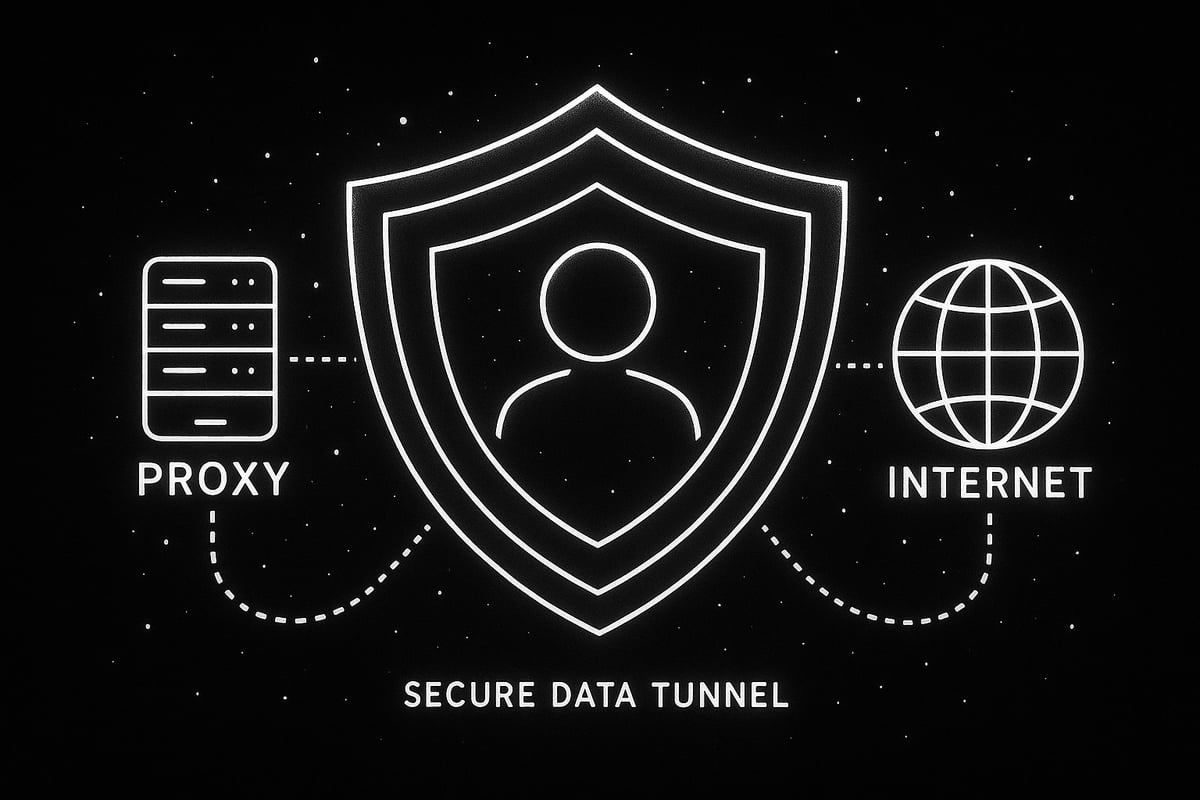
Selecting the best ip proxy server for your needs starts with understanding the different types available. High-anonymity proxies, also known as elite proxies, do not reveal your real IP address or the fact that you are using a proxy. This makes them ideal for those who demand maximum privacy.
SSL/HTTPS proxies are another strong option. They encrypt your traffic, protecting sensitive information from eavesdroppers. If you want to learn more about their security benefits, check out this Secure SSL/HTTPS proxies guide.
Rotating proxies are popular for users who need frequent IP changes, such as for web scraping or ad verification. They automatically switch your IP address at set intervals, making it much harder for trackers to profile your activity.
When choosing an ip proxy server, consider your main goal. Are you bypassing geo-restrictions, staying anonymous, or preventing data leaks? Match your proxy type to your specific needs for the best results.
Combining Proxies with Other Privacy Tools
Using an ip proxy server is a solid foundation, but layering privacy tools provides even stronger protection. For example, pairing a proxy with a VPN encrypts your traffic end-to-end. This double layer makes it extremely difficult for anyone to trace your activities.
Tor is another valuable tool, routing your traffic through multiple volunteer-run servers. While Tor and proxies serve similar purposes, their combination increases anonymity, especially for sensitive tasks.
Encrypted browsers, such as Brave or Firefox with privacy extensions, further reduce tracking. These browsers block ads, trackers, and fingerprinting attempts, complementing your ip proxy server for a safer browsing experience.
Combining tools is like locking every door and window in your house. Each added layer makes it harder for intruders to get in, giving you peace of mind online.
Best Practices for Secure Browsing with Proxies
To get the most from your ip proxy server, follow these essential tips:
- Rotate your IP regularly to avoid detection or profiling.
- Clear cookies and cache to reduce tracking by websites.
- Avoid public or free proxies, as they often come with hidden risks like malware or data theft.
- Use strong authentication and unique passwords for your proxy accounts.
- Monitor for proxy leaks, including DNS and WebRTC leaks, which can expose your real IP.
A recent rise in cyberattacks has targeted unsecured proxies, underlining the need for vigilance. Always verify your provider's reputation and security policies before trusting an ip proxy server with your data.
For example, digital marketers often use rotating mobile proxies for ad verification, ensuring their campaigns are displayed correctly in various regions while staying anonymous.
Detecting and blocking malicious proxies is critical. Use updated security tools and monitor your network for unusual activity. Regular maintenance and vigilance keep your browsing private and your data secure.
Risks and Limitations of Proxy Servers in 2025
Using an ip proxy server can boost your privacy and unlock restricted content, but it's important to understand the risks and limitations that come with proxy use in 2025. While proxies offer valuable protection, they are not a one-size-fits-all solution for online security.

One of the biggest concerns is data tracking and logging by proxy providers. Not all proxies are trustworthy. Some, especially free or public proxies, may log your browsing activity or even inject ads and malware. According to a recent study, many free proxies have been found to expose user data and compromise security. For more on this, see Free Proxies Unmasked: A Vulnerability and Longitudinal Analysis of Free Proxy Services. Always research your ip proxy server provider and avoid unknown or suspicious services.
Encryption is another key limitation. While some proxies use SSL to encrypt traffic, others do not. Weak or outdated encryption standards can leave your data exposed to interception. Unlike VPNs, which typically offer end-to-end encryption, most ip proxy server solutions only secure the connection between your device and the proxy, not beyond. This makes sensitive data vulnerable on unsecured networks.
Technical complexity can also be a barrier. Properly configuring an ip proxy server requires careful setup. Misconfiguration can lead to DNS leaks, accidental exposure of your real IP, or slow browsing speeds. Troubleshooting these issues often demands technical know-how, which can be overwhelming for less experienced users.
Cost is another consideration. High-quality, high-anonymity proxies often come at a premium, and ongoing subscription fees can add up. Free proxies may seem appealing, but as mentioned, they usually come with significant security trade-offs.
Websites are becoming smarter at detecting and blocking proxy traffic. This can result in your ip proxy server's IP address being blacklisted, leading to denied access to certain sites or services. Rotating proxies and residential IPs can reduce this risk, but no method is foolproof.
Legal and ethical issues must not be overlooked. Using an ip proxy server to bypass regional restrictions or company policies can violate terms of service or even local laws. For example, some organizations use transparent proxies to monitor employee activity, raising privacy concerns.
In some cases, alternatives like VPNs or Tor may offer stronger privacy and encryption. Before relying solely on an ip proxy server, assess your needs and consider combining multiple tools for maximum online protection. Always follow Proxy Security Best Practices: Essential Strategies to Safeguard Your Data and Network Infrastructure to minimize risks.
By staying informed about these limitations, you can make smarter decisions when choosing and configuring your ip proxy server for secure browsing in 2025.
Advanced Use Cases and Future Trends for Proxy Servers
The role of the ip proxy server is rapidly expanding, shaping the way businesses and individuals approach online privacy and accessibility. As digital landscapes evolve, so too do the advanced scenarios where proxy solutions are essential.
Enterprise Applications: Security, Access, and Compliance
In the enterprise world, the ip proxy server is a cornerstone for secure remote work and internal resource access. Companies deploy proxies for content filtering, protecting sensitive data, and enforcing access controls. For global teams, proxies ensure consistent policy enforcement and seamless connectivity, regardless of location.
Web Scraping, Automation, and Competitive Intelligence
Modern businesses rely on ip proxy server solutions for large-scale web scraping and automation. By rotating IPs and masking digital footprints, organizations can gather competitive intelligence without facing bans or rate limits. This is especially valuable for market research, price monitoring, and tracking industry trends.
Gaming: Latency Reduction and Region Unlocking
Gamers increasingly turn to the ip proxy server to reduce latency, bypass regional restrictions, and access early releases. Proxies create virtual locations, allowing players to join international servers or participate in region-locked events. The demand for high-speed, low-latency proxies continues to grow in the gaming community.
Ad Verification and Digital Marketing
Digital marketers use the ip proxy server for ad verification and campaign testing. By simulating traffic from various locations, marketers verify that ads display correctly and reach intended audiences. Proxies are also critical for detecting ad fraud and ensuring compliance with geo-targeted campaigns.
IPv6 and Mobile Proxies: Meeting Modern Demands
As the internet transitions to IPv6, the ip proxy server landscape adapts to support the new protocol. IPv6 proxies offer a vastly larger pool of addresses, reducing the risk of IP bans. Mobile proxies, powered by real devices, are gaining popularity for tasks that require genuine mobile traffic, such as social media management and localized testing.
AI-Driven Proxy Management and Security
Artificial intelligence is transforming how organizations manage their ip proxy server infrastructure. AI automates IP rotation, detects suspicious activity, and allocates resources based on real-time needs. Security researchers are also developing advanced methods to prevent attacks, such as HTTP Request Synchronization Defeats Discrepancy Attacks, which strengthens proxy defenses against emerging threats.
Future Trends: Market Growth, Regulation, and Integration
Looking ahead to 2025, the ip proxy server market is set for significant growth, driven by rising privacy concerns and stricter online regulations. According to industry forecasts, demand for proxies will surge as businesses seek compliance and users look for stronger anonymity. For detailed insights, see the Proxy Server Service Market Size & Forecast [2033] report. Expect to see more integration with privacy tools like VPNs, encrypted browsers, and decentralized networks.
The ip proxy server is no longer just a tool for privacy enthusiasts. Its advanced use cases and ongoing innovation make it a fundamental part of secure, flexible, and future-ready internet use.Now that you know how crucial IP proxy servers are for protecting your privacy and staying secure online in 2025, it’s time to put that knowledge into action. Imagine browsing without limits, bypassing restrictions, and keeping your identity safe - all while enjoying lightning-fast speeds and top-notch support. With PinguProxy’s zero-log policy, instant IP rotation, and support for both IPv4 and IPv6, you’re in control of your online experience. Ready to boost your privacy and take charge of your browsing?
Get Started Now