
NordVPN SOCKS5 Guide: Secure Proxy Setup for 2025
In 2025, online privacy and browsing speed are at the forefront of digital concerns. With cyber threats constantly evolving, protecting your data and maintaining fast connections has never been more important.
That is where nordvpn socks5 comes in. This powerful proxy tool offers a blend of flexibility, security, and high-speed performance, making it an essential resource for anyone serious about safe and efficient internet use.
In this guide, you will learn how to set up and use NordVPN’s SOCKS5 proxy. We will break down what SOCKS5 is, explore its unique benefits, compare it to other proxy types, provide step-by-step setup instructions for every platform, and share troubleshooting tips and advanced use cases to help you get the most out of your secure browsing experience.
Understanding SOCKS5 Proxies: What They Are and Why They Matter
With privacy concerns growing, many users are turning to advanced tools for more control over their online experience. One such tool is the nordvpn socks5 proxy, which is gaining popularity among privacy-focused enthusiasts. Let's break down what makes SOCKS5 unique, how it compares to other proxy types, and why it's especially relevant in 2025.
What is a SOCKS5 Proxy?
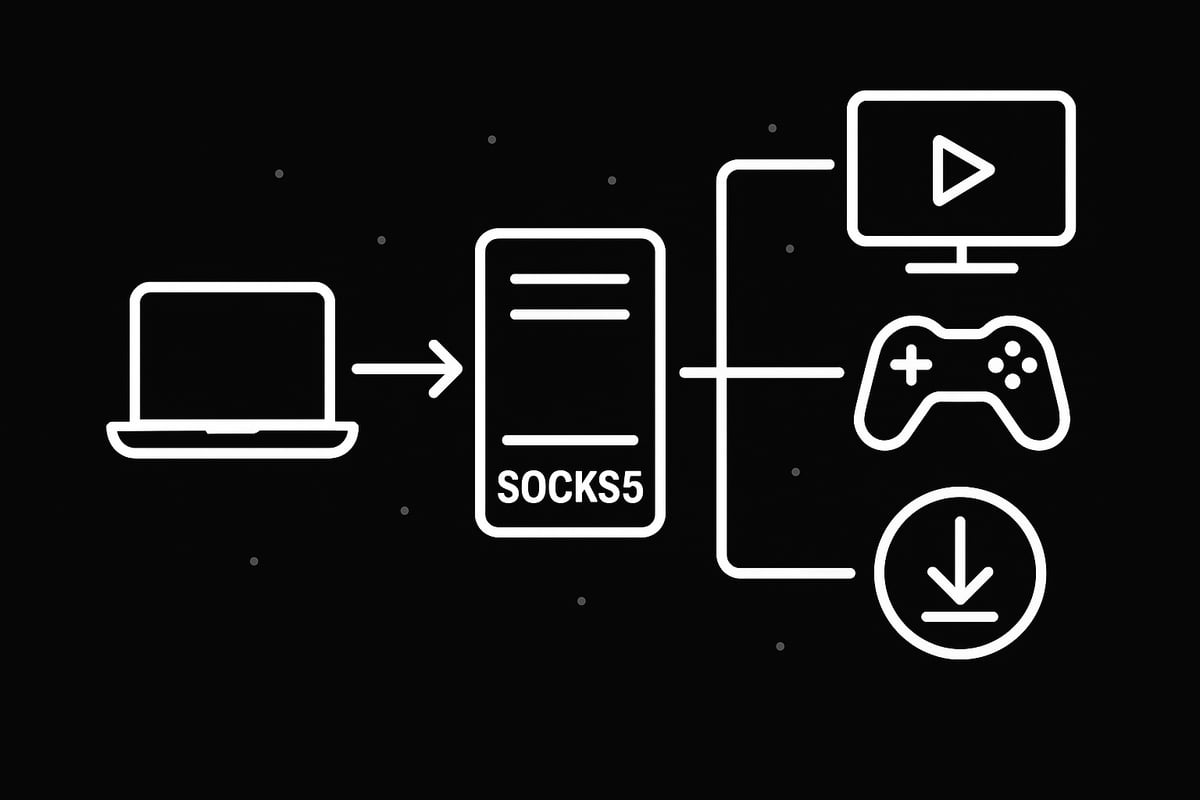
A SOCKS5 proxy acts as an intermediary between your device and the internet, operating at the session layer (Layer 5) of the OSI model. Unlike HTTP proxies, SOCKS5 supports both TCP and UDP protocols, making it suitable for a wide range of applications such as streaming, gaming, file transfers, and bypassing network restrictions.
This proxy type offers flexible authentication options, including no authentication, username/password, and GSS-API. By routing your internet traffic differently than HTTP proxies, SOCKS5 can handle more types of data and protocols. For a deep dive into its technical workings, see What is SOCKS5 proxy.
The nordvpn socks5 solution leverages these features to deliver a modern, robust privacy tool for users who need both speed and versatility.
SOCKS5 vs. Other Proxy Types (SOCKS4, HTTP, HTTPS)
How does nordvpn socks5 compare to alternatives? SOCKS4 is an older version, lacking UDP support and advanced authentication, making SOCKS5 more secure and versatile.
HTTP proxies work at the application layer and only support web traffic, while HTTPS proxies add encryption but remain limited to HTTP/HTTPS protocols. SOCKS5 stands out by operating at the session layer, supporting more protocols and use cases.
| Proxy Type | Protocol Support | Authentication | Encryption | Use Case Examples |
|---|---|---|---|---|
| SOCKS4 | TCP only | Basic | No | Legacy apps |
| SOCKS5 | TCP, UDP | Advanced | No | Torrenting, gaming |
| HTTP | HTTP | Basic | No | Web browsing |
| HTTPS | HTTP/HTTPS | Basic | Yes | Secure web browsing |
For torrenting and gaming, nordvpn socks5 is preferred due to its protocol flexibility and minimal data packet rewriting, which boosts speed and reliability. Adoption rates of SOCKS5 within privacy communities have surged, with many users favoring it for bypassing content restrictions and improving performance. Security-wise, use SOCKS5 when you need flexibility and speed, but choose HTTPS proxies if encryption is your top priority.
Benefits of Using SOCKS5 Proxies in 2025
The nordvpn socks5 proxy offers several compelling benefits for modern internet users:
- Bypass geo-restrictions and firewalls: Easily access blocked content, such as US Netflix or region-locked games.
- Faster, more reliable connections: Minimal data packet rewriting means reduced errors and smoother performance, even during high-traffic activities.
- Enhanced privacy: Your real IP address is masked, making it harder for websites and trackers to identify you.
- Optimized for P2P and torrenting: Enjoy high-speed, anonymous file sharing with improved security.
- Low-latency gaming: Route traffic through optimal servers to reduce ping and lag.
For example, with nordvpn socks5, you can securely share files, stream region-locked content, and play online games with minimal lag. NordVPN has continued investing in its SOCKS5 infrastructure, ensuring robust server availability and performance for its users.
Whether you are looking to boost your privacy, access restricted content, or speed up your downloads, nordvpn socks5 provides a flexible solution that adapts to your needs.
How NordVPN Implements SOCKS5: Features, Limitations, and Security
NordVPN’s SOCKS5 proxy service stands out as a versatile option for users who need speed, flexibility, and privacy. In this section, we’ll break down exactly how NordVPN implements SOCKS5, what makes it unique, and what you should know about its security, use cases, and current limitations.
NordVPN’s SOCKS5 Proxy Offering in 2025
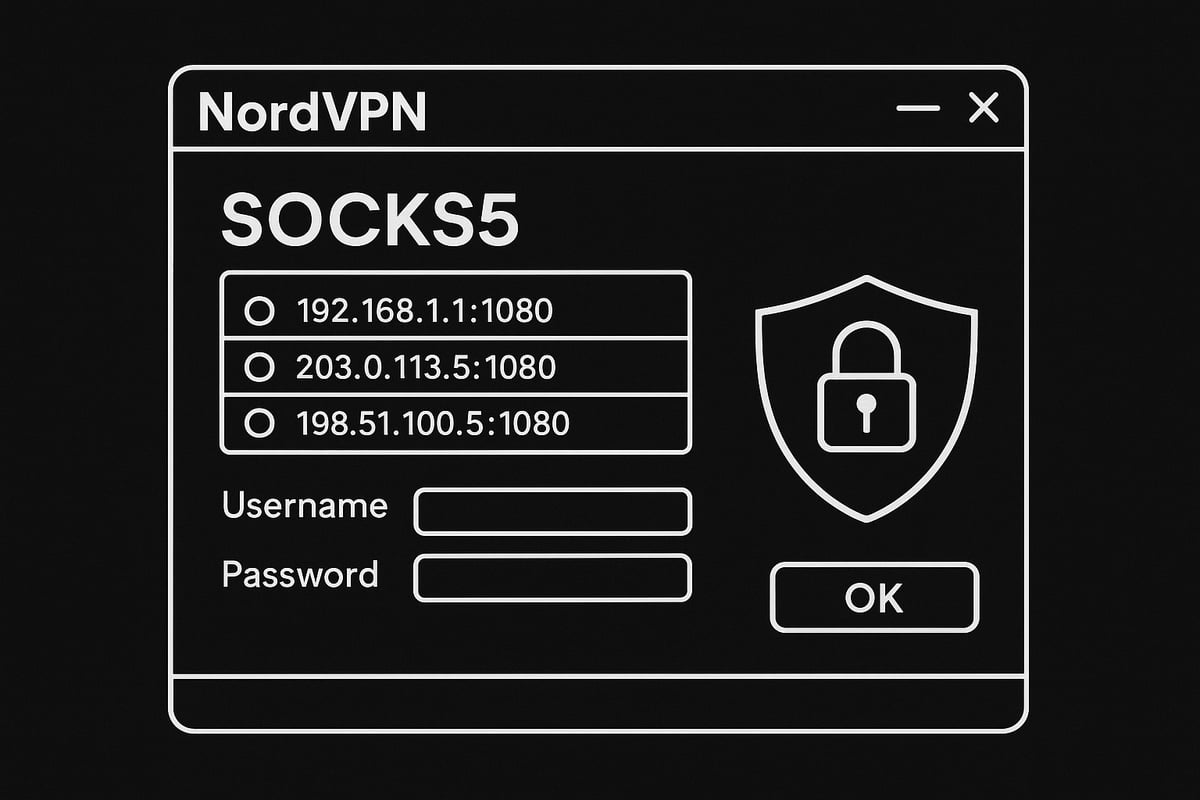
NordVPN has integrated SOCKS5 proxy support into its lineup to offer users more control over their online privacy. The nordvpn socks5 service is available on a limited set of endpoints within NordVPN’s network of over 5,200 servers. To access SOCKS5, you’ll need your NordVPN credentials and the latest server list, which can be obtained by contacting support.
You can use nordvpn socks5 with popular applications like torrent clients, FTP software, and select browsers. The setup process is manual, as NordVPN phased out the one-click SOCKS5 setup in favor of more secure, user-driven configurations. NordVPN’s SOCKS5 proxy supports authentication and is designed for advanced users who want to fine-tune their connection.
For a thorough breakdown of available features and limitations, check out the NordVPN Proxy Servers Explained resource from NordVPN’s official support site.
Security and Privacy: How Safe is NordVPN’s SOCKS5?
When considering security, it’s important to know that nordvpn socks5 does not encrypt your traffic. Unlike a full VPN tunnel, SOCKS5 proxies focus on rerouting your connection and masking your IP address. This makes them faster but less secure for sensitive activities.
You should use nordvpn socks5 alone only for tasks where speed and IP masking are priorities, such as torrenting or streaming. For confidential browsing or online banking, combining the SOCKS5 proxy with a VPN tunnel is the safer route.
Misconfiguration is a risk: if you set up SOCKS5 incorrectly, you could expose your real IP or experience DNS leaks. NordVPN enforces a zero-log policy and offers 24/7 support to help you resolve any security concerns quickly. For speed, use SOCKS5; for encryption, always rely on the VPN.
Flexibility and Use Cases: When to Choose SOCKS5 Over VPN (or Together)
Nordvpn socks5 is all about flexibility. If you want the fastest possible torrenting speeds or need to bypass content blocks for streaming, SOCKS5 is a great choice. However, you trade off some security for that extra speed.
NordVPN allows you to combine SOCKS5 with a VPN connection for a “best of both worlds” approach. Their configuration modes let you choose between maximum security, maximum speed, or a balanced setup. For example, you might use nordvpn socks5 for your torrent client while keeping the VPN active for web browsing.
This flexibility empowers you to tailor your online experience, making nordvpn socks5 an attractive option for users who need both privacy and performance.
Limitations and Known Issues (2025 Update)
There are some important limitations to using nordvpn socks5 in 2025. NordVPN continues to optimize its SOCKS5 servers, which means the endpoint list is smaller and changes frequently. Manual setup is required, as there’s no native one-click option available anymore.
Platform support is best on desktop, while mobile users must rely on workarounds or stick with the VPN app. To get the most up-to-date server addresses, you’ll need to contact NordVPN support directly. Some browsers, like Chrome on Windows 10, lack proper authentication support for proxies, making them incompatible with nordvpn socks5 unless this feature is restored.
Be aware of these constraints to avoid connection issues and ensure your proxy setup remains stable.
Step-by-Step Guide: Setting Up NordVPN SOCKS5 Proxy on All Platforms
Getting started with nordvpn socks5 is straightforward if you follow the right steps for your device. This section walks you through the process, ensuring you have the tools and knowledge to configure your proxy for privacy, speed, and flexibility. Let’s break down the setup for each major platform.
Preparation: What You Need Before Setup
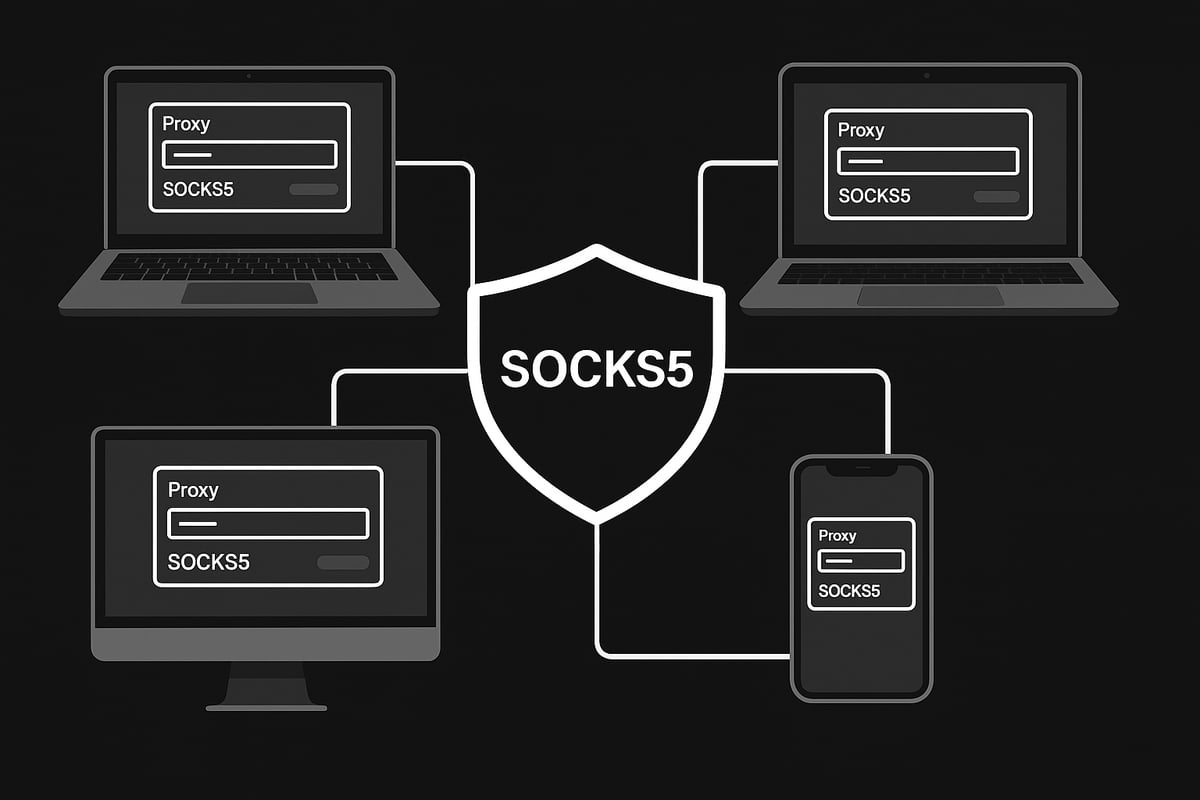
Before configuring nordvpn socks5, make sure you have everything in place. Here’s your checklist:
- An active NordVPN subscription
- Access to the latest SOCKS5 server addresses (contact NordVPN support)
- Your NordVPN username and password (not your email, but the service credentials)
- A supported client or application (like a torrent client, FTP app, or Firefox browser)
- The default SOCKS5 port (1080) noted
- A backup of your original network settings in case you need to revert
Having these items ready ensures a smooth nordvpn socks5 setup process.
Setting Up NordVPN SOCKS5 on Windows
Configuring nordvpn socks5 on Windows is popular for torrenting, FTP, and other privacy-focused tasks. Here’s how to do it, using qBittorrent as an example:
- Contact NordVPN support to get an updated SOCKS5 server address.
- Open your application’s proxy settings. For qBittorrent, go to
Tools>Options>Connection. - Set the following:
- Proxy type: SOCKS5
- Host: Enter the NordVPN server address you received
- Port: 1080
- Username: Your NordVPN service username
- Password: Your NordVPN service password
- Save the changes and restart the application.
- Test your connection by visiting an IP leak test site or using the ipMagnet tool to confirm torrent traffic is routed through nordvpn socks5.
For a visual walkthrough, check out NordVPN SOCKS5 Proxy Setup Guide, which includes screenshots and extra troubleshooting tips.
If you encounter issues, double-check your credentials and server address. Remember, nordvpn socks5 credentials are different from your NordVPN login email.
Setting Up NordVPN SOCKS5 on macOS
On macOS, nordvpn socks5 setup is similar but with a few platform-specific notes. Here’s how you can configure it using Transmission or FileZilla:
- Request the latest SOCKS5 server details from NordVPN support.
- Open your application’s proxy settings. For Transmission, go to
Preferences>Network. - Input the server address, port (1080), and your NordVPN credentials.
- Save the settings and restart the app.
- Test your setup by starting a download or checking your IP via ipMagnet or a relevant leak test site.
Note: Setting up system-wide SOCKS5 on macOS isn’t recommended due to authentication issues. Always use nordvpn socks5 within supported apps for best results.
Using Transmission with nordvpn socks5 gives you improved privacy for torrenting on Mac.
Setting Up NordVPN SOCKS5 on Firefox (Desktop Only)
Firefox is one of the few browsers that allows direct nordvpn socks5 integration with authentication. Here’s how to set it up:
- Install the FoxyProxy Standard add-on from the Firefox Add-ons store.
- Open FoxyProxy and create a new proxy profile.
- Proxy type: SOCKS5
- Server: Enter NordVPN’s SOCKS5 address
- Port: 1080
- Username/Password: Your NordVPN credentials
- Choose when to enable the proxy (for all URLs or specific ones).
- Save the profile and activate it.
- Verify your IP and DNS via BrowserLeaks.com to confirm nordvpn socks5 is active.
This setup is perfect for watching US Netflix or accessing geo-blocked content securely through Firefox.
Using NordVPN SOCKS5 with Torrent Clients (qBittorrent Example)
Torrent clients benefit greatly from nordvpn socks5, offering fast, anonymous downloads. Here’s a step-by-step for qBittorrent:
- Open qBittorrent and go to
Tools>Options>Connection. - Set Proxy type to SOCKS5.
- Enter the NordVPN server address and port 1080.
- Fill in your NordVPN username and password.
- Save the settings and restart the client.
- Use a tool like ipMagnet to ensure your torrent traffic is routed through nordvpn socks5.
This method helps you maintain privacy while maximizing download speeds. If your torrent IP matches the proxy and not your real IP, you’re set.
Mobile Devices: Android and iOS Workarounds
Many users want nordvpn socks5 on mobile, but there are platform limitations. Here’s what you can do:
- Android: No native SOCKS5 support, but third-party apps like NetGuard or Flud allow limited integration. Configure nordvpn socks5 by entering the server, port, and credentials in these apps’ proxy settings.
- iOS: There is currently no reliable way to use nordvpn socks5 without jailbreaking, which isn’t recommended due to security risks.
- Be aware that using third-party apps may affect device stability and can limit which apps route traffic through the proxy.
The safest approach is to use the official NordVPN app on mobile for encryption and reserve nordvpn socks5 for desktop use where possible.
Chrome and Other Browsers: Current Limitations
Using nordvpn socks5 with Chrome is currently not recommended. Here’s why:
- Chrome’s proxy settings are tied to the operating system, and there’s no built-in method for proxy authentication.
- Without authentication, nordvpn socks5 cannot be securely used within Chrome.
- Other browsers with similar limitations include Edge and Safari.
If you need browser-based proxy support with authentication, Firefox remains your best choice for nordvpn socks5.
Always check for updates from NordVPN regarding browser compatibility, as this could change in future releases.
Testing and Troubleshooting Your NordVPN SOCKS5 Setup
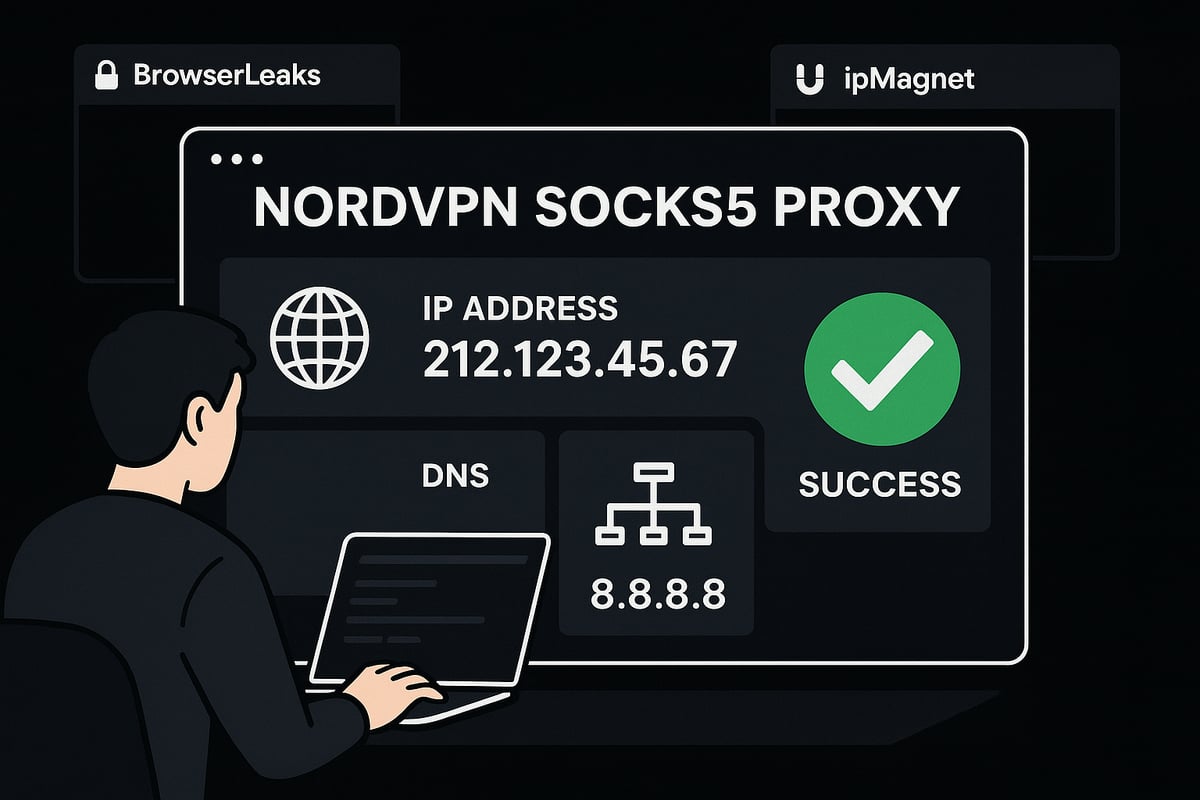
Testing your nordvpn socks5 setup is essential to ensure privacy and performance. After configuration, it is important to confirm that your traffic is routed through the proxy and that your real IP address is hidden. Start by visiting BrowserLeaks.com to check your IP, DNS, and WebRTC status. For torrent clients, tools like ipMagnet help verify whether your torrent traffic is properly anonymized. If you see an IP from the nordvpn socks5 server instead of your real one, your setup is likely correct. For more on how different proxy types behave during testing, see Proxy types explained. Always check before and after changes to catch leaks early.
How to Verify Your SOCKS5 Proxy is Working
To check if your nordvpn socks5 connection is active, follow these steps:
- Open BrowserLeaks.com in your browser to inspect your public IP and DNS details.
- For torrent clients, start a download with ipMagnet. The displayed IP should match your nordvpn socks5 server.
- Compare your IP address before and after enabling the proxy.
- Watch for any DNS or WebRTC leaks, which can expose your real location.
If all tests show the proxy IP, your setup is working as intended.
Common Issues and Solutions
Sometimes, nordvpn socks5 users face connection problems or leaks. Here are solutions to frequent issues:
- Proxy not connecting: Double-check your server address, port (usually 1080), and credentials.
- IP leaks: Make sure the proxy is set up in all relevant app sections. Disable IPv6 in your system settings to prevent leaks.
- Slow speeds: Switch to a different nordvpn socks5 server or check your internet connection for throttling.
- Application does not support authentication: Use alternative apps or plugins that offer proxy login support.
Switching servers or updating your app can often resolve these problems.
When to Contact NordVPN Support
If you have persistent issues with your nordvpn socks5 setup, NordVPN support is available 24/7. Contact them if:
- You need the latest SOCKS5 server list due to ongoing server optimization.
- Your credentials are not working or you cannot connect to any server.
- You detect IP or DNS leaks after following all troubleshooting steps.
- You experience unexplained errors or persistent slowdowns.
Support can provide real-time assistance and help you maintain a secure connection.
Best Practices for Secure and Stable SOCKS5 Usage
To get the most from your nordvpn socks5 proxy, follow these best practices:
- Regularly update your server addresses by checking with NordVPN support.
- Always enable authentication in your proxy settings.
- Routinely test your setup with BrowserLeaks and ipMagnet for leaks.
- For sensitive activities, combine nordvpn socks5 with a VPN tunnel for encryption.
By following these steps, you can enjoy secure, fast, and reliable proxy connections.
Advanced Use Cases: Maximizing SOCKS5 with NordVPN
Unlocking the full potential of nordvpn socks5 means more than just basic privacy. When you optimize your setup, you can power through advanced tasks like torrenting, streaming, gaming, and combining security layers for maximum protection. Let’s break down how to get the most out of nordvpn socks5 across these popular scenarios.
Torrenting and P2P File Sharing
For torrenting, nordvpn socks5 is a powerhouse. Its speed and ability to mask your IP help you share and download files with enhanced privacy. Most popular torrent clients like qBittorrent, uTorrent, and Vuze support SOCKS5 proxy integration.
To set it up, enter your nordvpn socks5 server details, port 1080, and login credentials in the client's proxy settings. Always verify your torrent traffic is routed through the proxy by checking with tools like ipMagnet.
Legal risks are real, so always torrent responsibly. Consider using Residential SOCKS5 proxy guide if you need even more privacy or want to understand how residential proxies differ from datacenter ones.
Streaming and Bypassing Geo-Restrictions
Nordvpn socks5 lets you access streaming content that is normally geo-blocked. For example, you can watch US Netflix from Europe by configuring SOCKS5 in browsers like Firefox using add-ons such as FoxyProxy.
Just enter the nordvpn socks5 server, port, and your credentials, then enable the proxy for streaming sites. Not every streaming platform will work, and some may block known proxy IPs, but many users find this method reliable for bypassing restrictions.
If you run into issues, try switching servers or check if your chosen service currently supports proxy access. Always test your new location using BrowserLeaks.com to confirm your IP has changed.
Gaming and Low-Latency Applications
Gamers benefit from nordvpn socks5 because it can reduce ping by routing traffic through optimized locations. Some game clients allow manual proxy configuration - just enter your nordvpn socks5 details as required.
This setup is ideal for games where low latency makes a difference. If you notice lag or packet loss, try switching to another SOCKS5 server closer to the game's region.
Keep in mind, not all games support proxy settings natively. For those that do, you can experience faster matchmaking and smoother gameplay when compared to traditional VPN connections.
Combining VPN and SOCKS5 for Enhanced Security
For the best of both worlds, use nordvpn socks5 with your standard VPN connection. The VPN encrypts your data, while SOCKS5 masks your IP for torrenting or app-specific anonymity.
This layered approach is especially useful for users who want to download torrents through nordvpn socks5 but browse securely with the VPN. NordVPN offers configuration modes like "Best of Both Worlds," making setup straightforward.
Remember to test for leaks using tools like BrowserLeaks.com and ipMagnet. This ensures your traffic is always protected, regardless of your activity.
Limitations, Risks, and Alternatives
While nordvpn socks5 is versatile, it does not encrypt your traffic. This can be risky for sensitive activities, so use the VPN for anything confidential. NordVPN has reduced the number of SOCKS5 endpoints to improve performance, which means server availability can sometimes be limited.
If you need more options, explore the Best free SOCKS5 proxies for alternatives. However, free proxies often lack the security and reliability of nordvpn socks5.
For maximum privacy, always combine SOCKS5 with a VPN when possible, and consider residential proxies if datacenter IPs get blocked.
Frequently Asked Questions (FAQ)
How do I get the latest nordvpn socks5 server list?
Contact NordVPN support for up-to-date addresses.
What port should I use?
The default is 1080 for nordvpn socks5.
What platforms and apps are supported?
Most desktop torrent clients and Firefox browser support SOCKS5.
How can I troubleshoot errors?
Check your credentials, server address, and try switching servers if needed.
Will one-click SOCKS5 setup return?
NordVPN is optimizing their SOCKS5 infrastructure, so keep an eye on updates for this feature.
Future Trends: The Evolution of Proxies and Secure Browsing in 2025
Online privacy is rapidly evolving, and in 2025, proxies are becoming essential tools for both individuals and businesses. The rise of nordvpn socks5 is a clear sign of how users are seeking more control over their data and internet experience.
As more users demand privacy and speed, proxies are no longer just niche tools. Companies and individuals alike are integrating solutions like nordvpn socks5 to bypass restrictions, mask IP addresses, and access global content with confidence.
NordVPN is investing heavily in its proxy infrastructure. In 2025, the shift to RAM-only servers and a strict zero-log policy means users can trust that their browsing data is never stored. This commitment enhances the security of nordvpn socks5, making it a go-to choice for privacy enthusiasts.
Regulatory landscapes are also shifting. New rules around data retention and regional content restrictions are making flexible proxy tools indispensable. Technologies like nordvpn socks5 help users adapt, ensuring their online activities remain private and unrestricted, regardless of where they are.
A key trend is the rise of hybrid solutions. Users are combining VPNs and proxies for tailored protection and performance. The flexibility of nordvpn socks5 allows for setups that balance speed with security, giving users options that fit their unique needs. For a deeper dive into the technical workings of SOCKS5 and its advantages, check out this SOCKS5 Proxy Technical Overview.
Looking ahead, expect adoption rates of nordvpn socks5 to climb. Providers are streamlining user experiences, with easier setup processes and better documentation. As more people become aware of privacy risks, demand for user-friendly proxy solutions will only grow.
Data also shows a surge in proxy use for web scraping, streaming, and automation tasks. Businesses rely on nordvpn socks5 for competitive intelligence and to maintain operational privacy. Individuals enjoy seamless streaming and hassle-free browsing, no matter the location.
Staying up to date is crucial. NordVPN frequently updates its server lists and features, so make it a habit to check for changes regularly. This ensures your nordvpn socks5 setup stays secure and effective as the landscape continues to evolve.
To future-proof your secure browsing, follow these simple steps:
- Regularly update your proxy server addresses.
- Test for IP leaks every month.
- Combine VPN and SOCKS5 when handling sensitive tasks.
- Monitor NordVPN’s announcements for feature updates.
As proxies continue to mature, integrating nordvpn socks5 into your online routine is a smart move for privacy, speed, and flexibility in 2025.If you’re ready to take full control of your online privacy and speed in 2025, setting up a SOCKS5 proxy is a smart move. We’ve just walked through everything you need to know about NordVPN’s SOCKS5 setup - from why it matters to step by step guides for every platform. Now, imagine combining that security with high speed, zero log proxies and 1ms rotation for true anonymity - exactly what PinguProxy delivers. Whether you’re streaming, gaming, or tackling web scraping projects, you deserve a reliable experience. If you’re looking to get started with secure, flexible proxies today, Get Started Now.